 Reelday
 01 — 00:00
Send over your clips
Pick anything you shot: clips up to three minutes, screen recordings, or three to ten photos for a photo reel. One clip is enough for a reel.
You filmed them and never did anything with them. Reelday’s editor watches each clip and decides what it needs: the strongest moment first, subtitles where you talk, music that fits, one personal line of text on screen that gives people a reason to watch, and a caption. Every change it makes is a layer you can switch off with one tap.




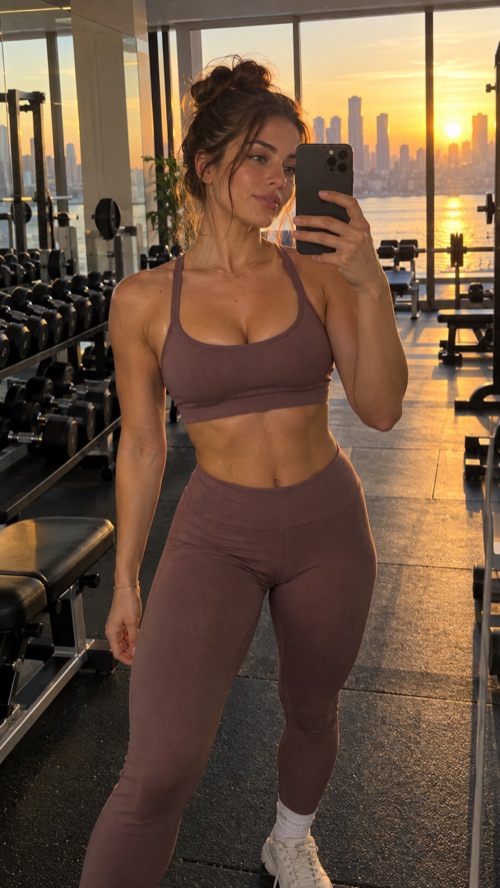
Examples of the format Reelday makes · vertical, subtitled, strongest moment first
There is no editing app to learn and no caption to agonise over. Reelday looks at what you filmed, listens to what you say and edits the reel the way a good editor would. You get back a finished reel the same day, and you stay in charge of every change.
01 — 00:00
Pick anything you shot: clips up to three minutes, screen recordings, or three to ten photos for a photo reel. One clip is enough for a reel.
 02 — 00:03
It finds the strongest 3–5 seconds and opens on them, trims the quiet parts, fixes misheard words in the subtitles, picks music for the mood, and writes one line for the screen and a caption in your language, about your moment, not a description of it.
 03 — 00:30
Every change the editor made is listed as a layer. Switch any of them off for free, add your own, then save the reel to your phone with the caption ready for Instagram, TikTok or Shorts.
It watches your clip and listens to it, then chooses what this reel needs and what it doesn’t. A talking reel gets subtitles; a concert clip gets one personal line of text that stays for the whole reel, placed where it covers nothing.
Each thing the editor did is listed on the reel with a switch. Turn any layer off and the reel is remade without it; turn it back on whenever you like. Removing is always free.
Opens on its best 3–5 seconds, on whole words, then plays from 0:00.
One line for the screen that says something only you could say, and a caption with hashtags, in the language you speak.
Nine styles, burned in. AI helps here: speech recognition hears the words and a language model fixes the misheard ones from context before they go on. It writes the caption too, and nothing else.
Voices cleaned, music picked for the mood (or your clip’s own sound kept when it’s the point), all set to −14 LUFS, the level Instagram and TikTok play at.
Your colour, font and logo, on every reel.
Finished reels live on your phone. Our copy is deleted once you have it.
Start with 7 days for $4.99 with everything. Or take 50% off your first term: $89.99 for the first year, or $12.99 for the first month.
$4.99 for your first 7 days with everything, then $25.99 a month. Cancel any time in one tap.
No. You upload clips, Reelday makes the reel, and you save it to your phone and post it yourself to Instagram, TikTok or Shorts. Reelday does not post for you.
No. Reelday is a web app at app.reelday.io and works in the browser on your phone or computer, so your camera roll is right there when you pick clips. There is no App Store or Google Play app.
The app. Reelday’s editor works on your own clips: it decides the opening, subtitles, music and text, writes the caption, and lists each change as a layer you can switch off. AI helps with the words: speech recognition writes the subtitles and a language model writes the caption and fixes misheard words. It never generates footage, images, music or voices; everything in the reel is yours. Reelday is software only: there is no human service or done-for-you work, and no one edits or posts on your behalf.
They’re your clips, your voice, your face. The software only trims, reorders, subtitles and captions them, and adds the brand kit, music and text you choose. No stock footage, no AI-generated video, no synthetic voices, no face swaps.
On your phone. The finished reel is sent to the app on your phone as soon as it is ready, and our copy is deleted right then. The clips you uploaded are deleted within 24 hours.
$4.99 for your first 7 days with full access to everything that works today. After 7 days it continues at $25.99 a month unless you cancel. Or take 50% off your first term: $89.99 for the first year, then $179.99 a year, or $12.99 for the first month, then $25.99 a month. You can cancel any time, before or after, and you can ask for a full refund within 14 days of any charge.
There is nothing to install, your first reel takes a few minutes, and the first 7 days cost $4.99.
